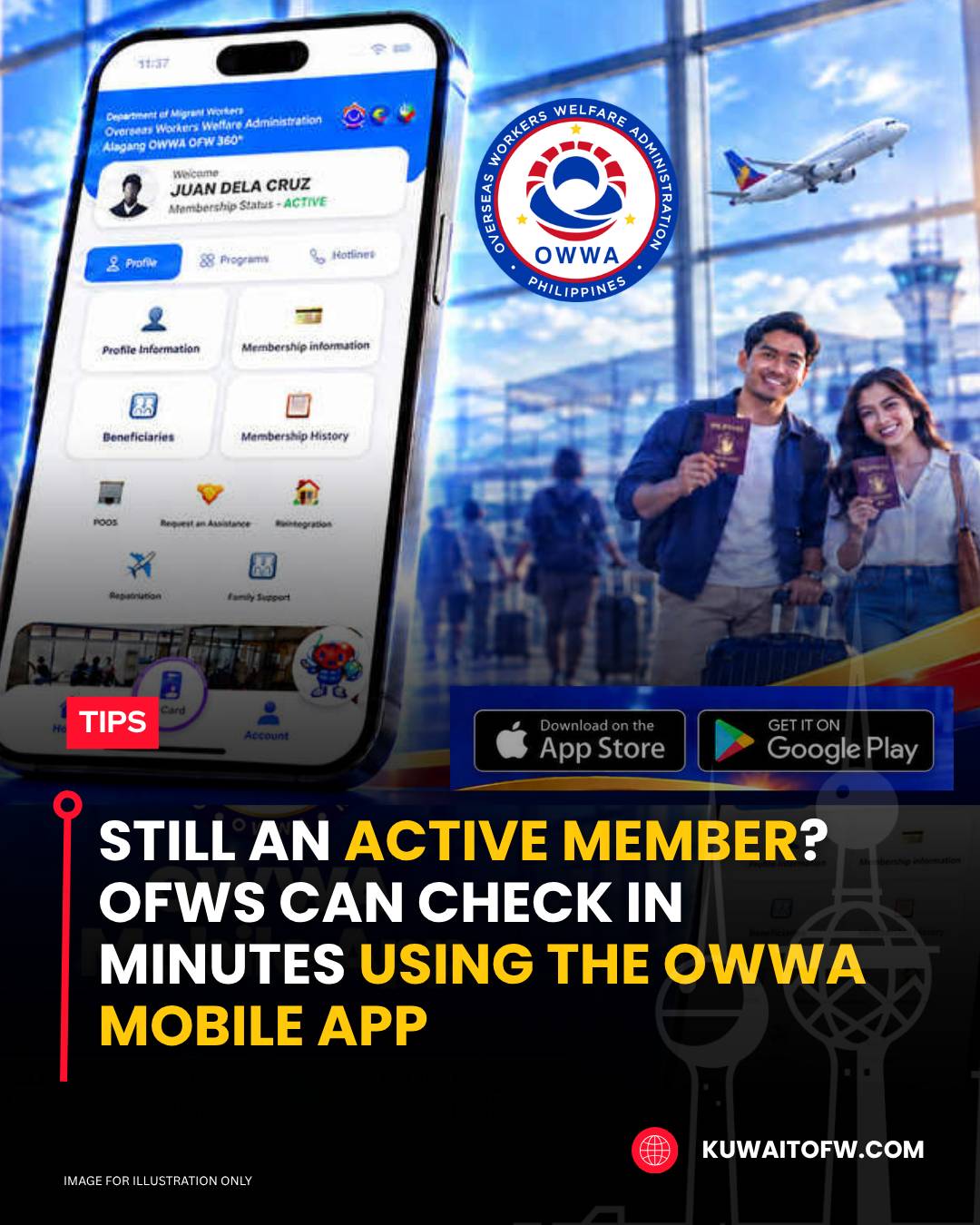
Overseas Filipino Workers can now check their OWWA membership status, view their digital e-Card, and renew contributions through the official OWWA Mobile App. The app is free to download on Google Play for Android users and the Apple App Store for iPhone and iPad users.
The OWWA designed the app as a self-service platform for OFWs who need to manage their membership and access government welfare services without visiting an office. It also allows users to view personal records, employment details, and payment history.
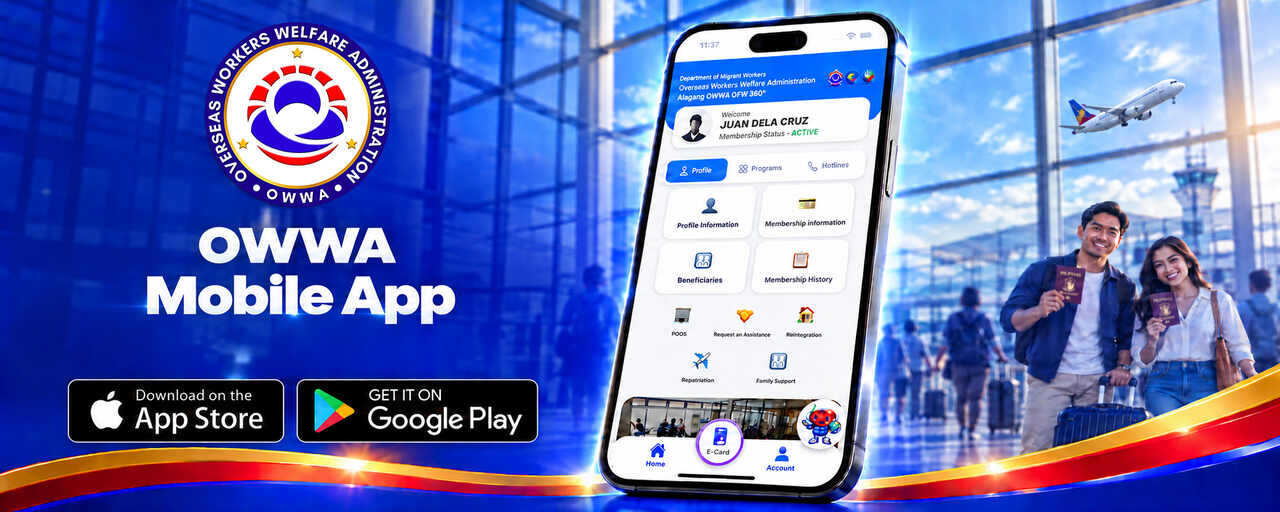
OWWA identifies the mobile app as the standard way for members to check their membership status. The agency’s official OWWA e-Card page says the app is available on both Google Play and the App Store and serves as proof of active membership for accessing OWWA programs and services.
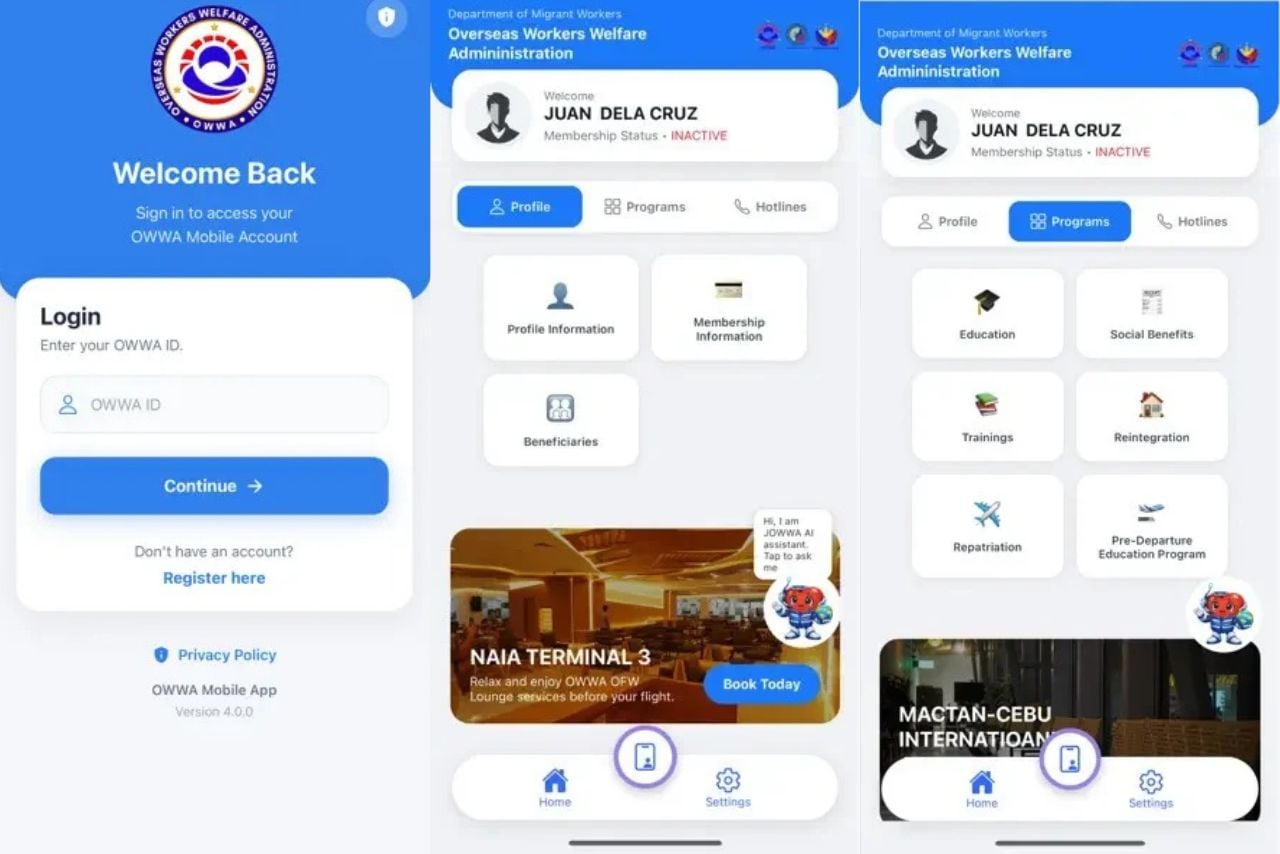
How to Register and Log In
To use the app, simply follow these steps:
- Download the OWWA Mobile App from Google Play or the Apple App Store.
- Open the app and select Sign Up if you do not yet have an account.
- Enter your complete name, date of birth, passport details, email address, mobile number, and overseas employment information.
- Check your registered email for your login credentials.
- Log in using your username and password.
Members should enter their details exactly as they appear in official records. Small differences—such as a missing suffix, an unupdated married surname, or an old passport number—may prevent the app from matching the member’s record.
Checking Membership Status
After logging in, users can open the Membership Information section to see whether their membership is Active or Inactive. The same page shows the expiration or renewal date and may include the member’s latest contract, employer, jobsite, recruitment agency, and payment history.
The app also allows members to renew their membership up to 90 days before it expires. Those with an inactive status may see a renewal option directly on the screen.
Using the Digital e-Card
The digital e-Card can be accessed through the Digital E-Card or Digital ID tab in the OWWA Mobile App or the eGovPH app. It serves as official proof of active OWWA membership when dealing with Migrant Workers Offices, Philippine embassies, or consulates.
OFWs may also present the e-Card as a valid government-issued ID for certain transactions, including passport-related services at the Department of Foreign Affairs. A screenshot of the membership status can be kept for reference, although OWWA offices may still verify membership directly in their database when processing benefits.
Payments and Benefits
The app can generate a payment reference number for membership renewal. Members may settle dues through online banking or e-wallets such as GCash and Maya, depending on the available payment channels.
Through the platform, OFWs can also access information on welfare and development programs, including:
- Death and burial benefits
- Disability and medical assistance
- Calamity relief
- Scholarship programs such as EDSP, ODSP, SESP, and ELAP
- Livelihood and reintegration packages
Requirements and application periods differ per program, so members should confirm the latest details through OWWA before applying.
App Details
OFWs should download the app only through official app stores or OWWA’s official channels. The agency warns against installing applications sent through unsolicited text messages, social-media comments, or unofficial download links. Its most recent version has the following features:
- Developer: OWWA MISD
- Platforms: Google Play and Apple App Store
- Android requirement: Android 10 or later
- Current version: 4.0.0
- Latest listed update: September 15, 2026
- Downloads: More than 500,000
You can learn more about using the OWWA Mobile App by watching this video below: